
Trellis Enterprises

Software made at a florist’s bench, so you can get back to yours.

One system that brings everything together, without you having to learn it. The counter, the phone, the website, the workroom, the driver and the cash register, all working from the same list.

How it works

A day in the shop, screen by screen.

Eight things a flower shop does, and where each one happens in Trellis. Open any of them.

For the bigger jobs

The week ahead, and the season ahead.

Taking the order

Every order, however it came in, on one list.

Someone at the counter, someone on the phone, someone on the website at ten at night. Each order lands on the same list, marked with where it came from, and the whole shop works from that list.

  1. Find the customer. Returning customers come up by name, email or phone, and their details fill in. Past recipients come up by name or phone, address and all.
  2. Choose the arrangement and size, or set a budget for designer’s choice. Add a note for the workroom.
  3. Card message, signature, occasion. Then payment: card, saved card, cash or check, or a deposit taken earlier.

Half-typed orders park themselves and wait. The ticket, the card and the envelope print the moment the order is paid.

Step 1 of 8

The workroom

The workroom sees the day in delivery order.

Open the workroom in the morning and today’s arrangements are lined up in the order they leave. The first one out of the door is the first one made.

  1. Each card shows the design, the size, the card message and any note from whoever took the order.
  2. Tap Made when it is ready for the driver. The customer’s ready email goes out on its own, with a picture if you have taken one.
  3. Pickups sit in their own row by collection time, and anything not yet routed is flagged so nobody guesses.

When a manager assigns a rush order to a driver on the map, the run re-orders and the workroom list follows.

Step 2 of 8

The phone app

The shop, in your pocket.

The phone app shows the same list as the shop computer and keeps it in step. Mark a delivery on the phone and the shop sees it at once.

  1. Drivers sign in with a six-digit code and see their stops in driving order, with a tap to call and a tap to open the map.
  2. One tap takes the photo at the door and marks the order delivered. Notes and address corrections go straight to the order.
  3. Lose signal in a basement and the app holds the photo and the tap, then sends them when you are back in the open.

It installs from the browser straight to the home screen.

Step 3 of 8

Routing

Deliveries in driving order, with the time each one arrives.

The day’s stops sit on a map. Assign them to your drivers and each run comes back in driving order from the shop door, with an arrival time on every stop.

  1. See every delivery for the day as a pin, with pickups kept out of the way.
  2. Give each stop a driver. The run orders itself, and you can nudge any stop by hand.
  3. Two orders to the same address travel as one stop.

The driver opens the run on the phone and works down the list.

Step 4 of 8

Delivery proof

The customer hears from you three times, without you lifting a finger.

When the arrangement is ready, the person who ordered it gets an email with a picture of it. Another email goes when it is out for delivery, and one more when it is at the door.

  1. Take the picture on the bench with a phone or a proper camera and add it to the order. The ready email carries it.
  2. The driver takes the proof photo at the door and adds a note if there is one. The photo stays with the order for 150 days.
  3. Every milestone and every email sits on the order’s log, with the time it went.

When a customer asks whether it arrived, the answer is already on the screen.

Step 5 of 8

Cash register

Walk-in sales, in the same books.

Someone picks a bunch from the bucket and pays at the counter. That sale goes onto the same order list and into the same reports as every delivery.

  1. Ring it up on the same screen the phone orders use.
  2. Tap the card on the reader, or take cash or check, or cash and card together. Change is worked out for you.
  3. The sales report, the sales-tax return and the QuickBooks push all count it, with tax shown on its own.

One set of records for the counter and the website.

Step 6 of 8

Weddings, private parties and corporate parties

A wedding is a proposal, a signature and a plan, all in one place.

Write the quote from your own recipes and prices. Send it. The couple, or the company, reads it on their phone, signs it there, and pays the deposit. Everything after that hangs off the same document.

  1. Build the proposal from your recipes and prices. The client’s copy shows the arrangements and the totals.
  2. They sign on any device, in person or at home. The proposal shows as signed, the signed copy goes out by email, and it is kept as it was that day.
  3. A payment schedule you set, a deposit and the rest, paid by card or bank transfer. One master sheet prints four ways: the client, the designer, the setup crew, and yours.

After the event, enter what it really cost and see what you really made. Keep the best pieces in your own library.

Step 7 of 8

Subscriptions

Flowers every week, or a season as a gift.

A customer picks weekly or monthly and it runs until they ask you to stop, or they buy a fixed run of deliveries as a present, paid once. Either way, every delivery becomes a real order on the same list as everything else.

  1. The customer chooses the arrangement, how often, the day, and where it goes, on your website or with you at the counter.
  2. Stripe charges the card a few days before each delivery, and the order books itself with the card message for that week.
  3. Pause, resume or cancel from the studio. The card for each delivery prints when you say so.

Subscription deliveries show in the week’s forecast alongside every other order.

Step 8 of 8

Why Trellis

Made for people who would rather be arranging.

Hold the shop up, the way a trellis holds a climbing rose, and let it grow.

Trellis is one system that brings everything together, and it is refined daily against real life. Software as the lubricant, not the thing in the way. You focus on the floral design you love instead of asking how to do this.

Easy to operate

New staff need almost no training. Trellis guides even a first-timer through the screens.

Menus you run yourself

Simple menus, plainly named. Changes to the shop happen when you decide, with no developer in the loop.

SEO built in, and yours to edit

Sitemaps and structured data take care of themselves, and a renamed product redirects on its own. Each page’s title and description is a box you type in, with a preview of what Google will show, and every product photo takes its own alt text. Made simple, so you do it yourself.

Your own data

Customers, orders and history are yours. You run the store the way you want, and Trellis fits around it.

Modern and light

Easy on the eye and out of the way, on the shop computer and the phone app.

A florist at a wooden bench, finishing an arrangement of white roses

From the shop floor

Articles and short films.

Notes on running a flower shop, and a few minutes of Trellis at work.

Film

A phone order, start to finish

The call comes in, the order goes on the list, the workroom picks it up.

Coming soon
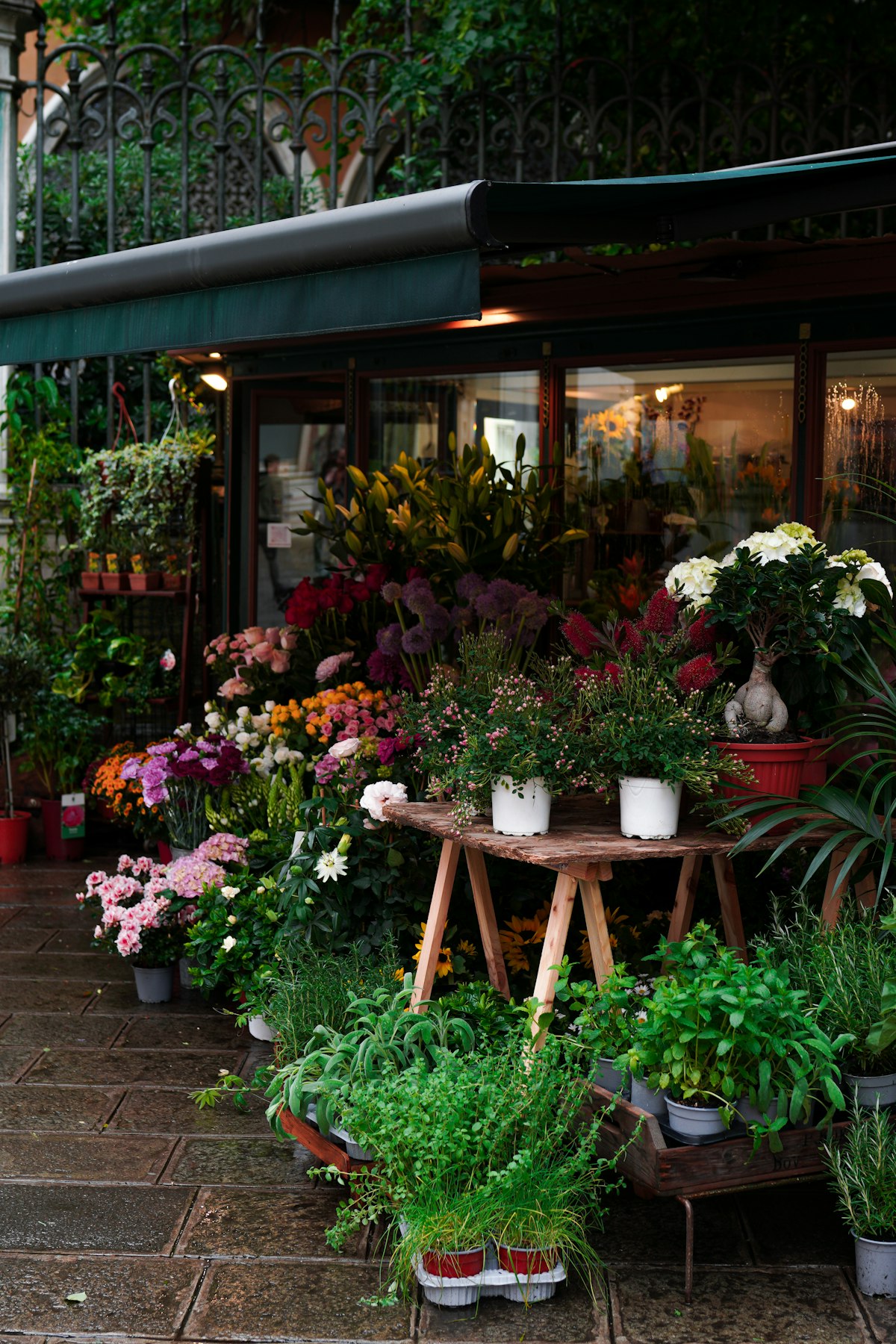
Inside a flower shop, buckets of stems and greenery on the floor
Founder

Why I built Trellis

A florist, a shop in Raleigh, and the software we wrote to run it.
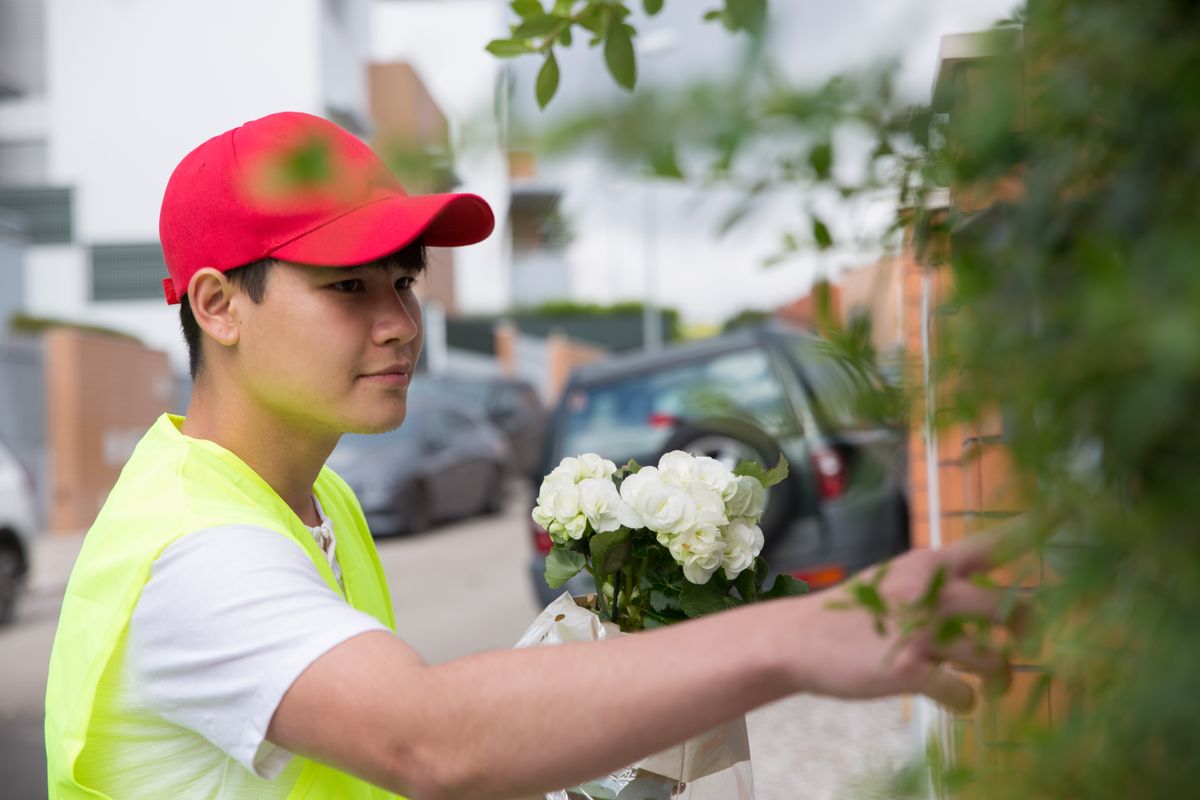
Film

From the shop to the doorstep

A delivery run, the photo at the door, and the emails the customer gets.

Coming soon

Article

Doing your own SEO

The titles, descriptions and alt text people search by, and what to write in them.

Everything in Trellis

The whole list, in one place.

The screens above are the day. This is the rest of what runs under them.

Your website

  • Your storefront on your own address, in your own name.
  • SEO built in, and yours to edit: a title and description for every page, sitemaps, clean links, and a forward when a product is renamed.
  • The words on your pages, your navigation, hours, policies and photographs, yours to change.
  • Reviews asked for after each delivery, shown on your own site.
  • A newsletter to your own list, written and sent from the studio.

Orders and the counter

  • Phone and walk-in orders on the same list as online ones.
  • Returning customers found by name, email or phone, with what they sent before.
  • A half-typed order parks and resumes.
  • Card, saved card, cash, check, or a split at the counter; Apple Pay and Google Pay on your website.
  • Staff tap their name and enter a six-digit number; owners and managers can also sign in with a password, and a passkey or a second factor if they add one.

Deliveries and printing

  • Runs put in driving order with arrival times; the driver’s phone carries the day.
  • A photo and a note at the door, kept 150 days in case a charge is ever questioned.
  • Every message sent for the shop logged with its time: ready, out for delivery, delivered.
  • Tickets, cards and envelopes print themselves the moment an order is paid.

Weddings and parties

  • As many proposals as you need, costed from your own recipes.
  • One master sheet, four printed versions: the couple’s, the designer’s, the setup crew’s and yours.
  • Paste a supplier’s price sheet or a receipt, check the matches, and your costs update.
  • Quoted against actual on every line; expected against actual profit, with a cost you have not entered never counted as zero.
  • A payment schedule that holds the date, and a signature on any device.
  • A library of past work on shelves you name.

Flowers

  • Recipes per size, so every design is built from the same stems.
  • A stem forecast from the orders already booked, split by supplier.
  • One buy list for the weddings on the calendar.
  • A pasted price sheet updates the everyday shelf and the wedding book alike.

Money and the books

  • Sales, tax and company reports that count every sale, walk-in or web.
  • Paid orders sent to QuickBooks every night, if you use it.
  • Shop sales and wedding revenue in one total on the sales report.
  • Subscriptions billed through Stripe, each delivery a real order.
  • Your data, downloadable in full at any time.

Get in touch

For florists who want a better system.

Write to us and we will walk you through a day in Trellis, on the screens you would actually use.

There is a demo shop.

A working shop with invented orders, where you take an order, make it and deliver it yourself. Ask, and we open it for you.